EIGRP is supposed to converge fast and stay quiet. When you see neighbor flapping in the log, something on the underlying link or in the configuration has changed, and EIGRP is the messenger telling you about it. This post walks through the five real causes of EIGRP neighbor flapping ranked by what we actually see in production, and how to stop the same flap from coming back next week.
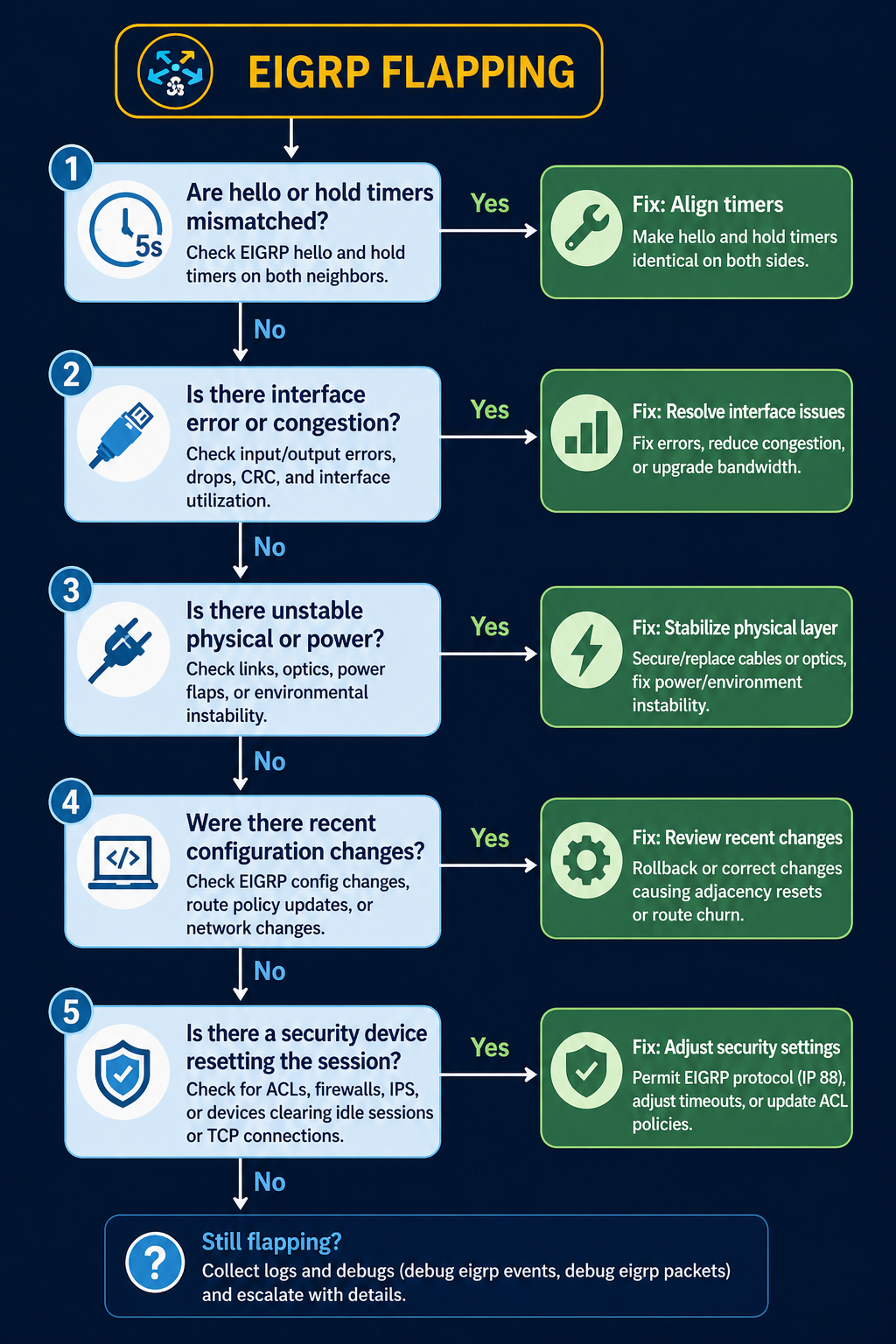
The short version. About 35 percent of EIGRP flap incidents come down to hold timer expiration on a link that has marginal performance, not a true outage. Another 25 percent are MTU mismatch on the link. The remaining 40 percent split across k-values mismatch, authentication drift, and platform-specific behavior. The fix order matters, because checking k-values before checking the link itself wastes time on the wrong layer.
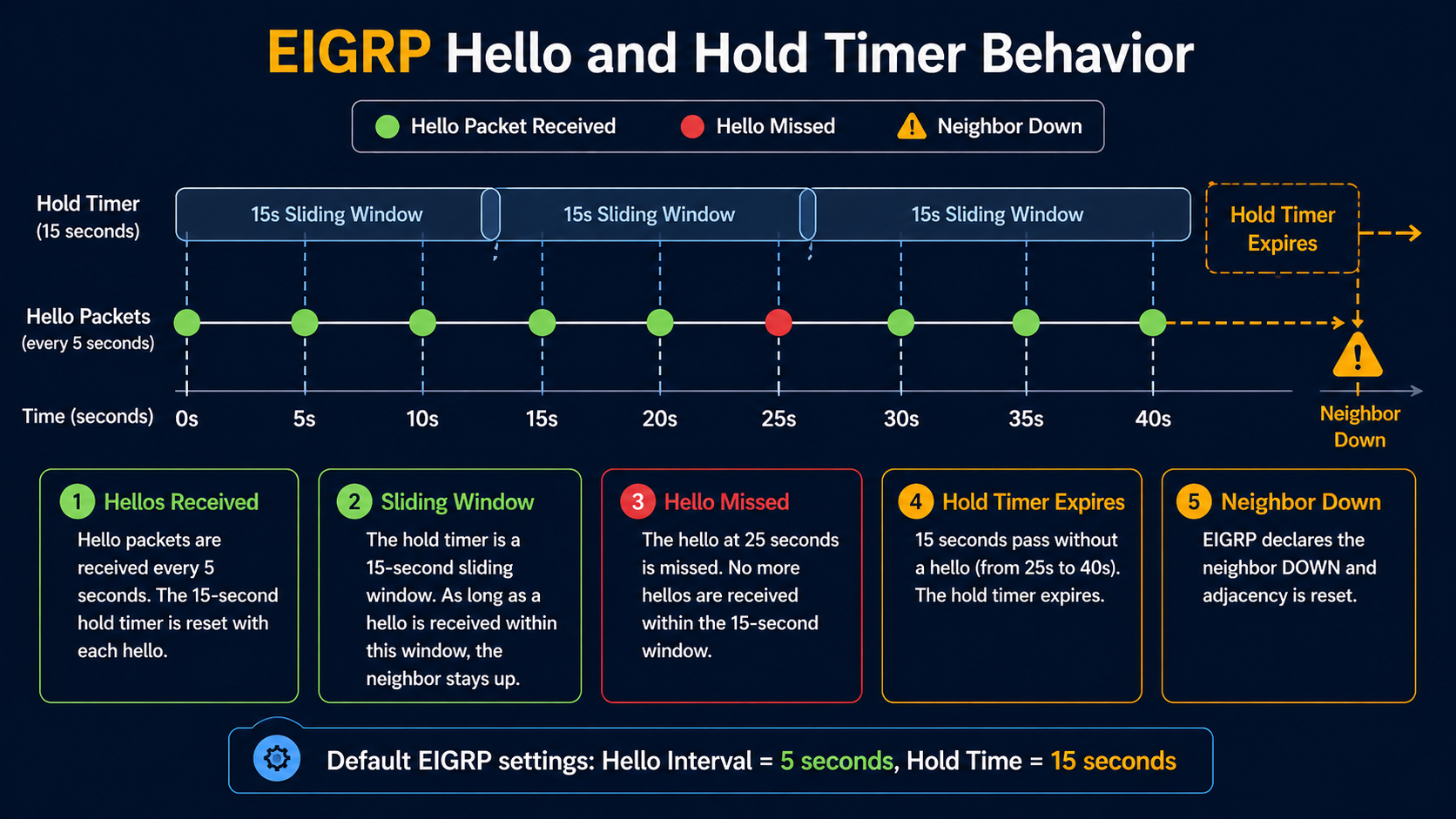
EIGRP has a tight relationship between its hello timer (5 seconds default on LAN, 60 seconds on slow WAN) and its hold timer (3x hello). If the link drops two consecutive hellos, the neighbor goes down. The flap window is narrow, so any link with intermittent issues will show up in EIGRP logs first, before any other monitoring catches it. Which means EIGRP flapping is often a symptom of something else, not a problem in itself, if any one of them drifts.
What flapping actually means
EIGRP neighbor flapping shows up as repeated log entries like %DUAL-5-NBRCHANGE: EIGRP-IPv4 1: Neighbor x.x.x.x is down: holding time expired followed shortly by Neighbor x.x.x.x is up: new adjacency. The pattern repeats. Each flap triggers a SIA (Stuck in Active) recalculation if a route depended on that neighbor, which in turn can stress the rest of the network if the flap is bad enough.
You will see the flap in three places. The router log shows the neighbor change events. The output of show ip eigrp neighbor shows a recently established adjacency with the uptime counter near zero. Your monitoring system shows route flaps and possibly traffic blackholes during the recovery window.
Verified against current Cisco IOS-XE documentation, accessed April 2026.
The five causes, ranked by what we actually see
Cause one, hold timer expiration on a marginal link, around 35 percent of cases
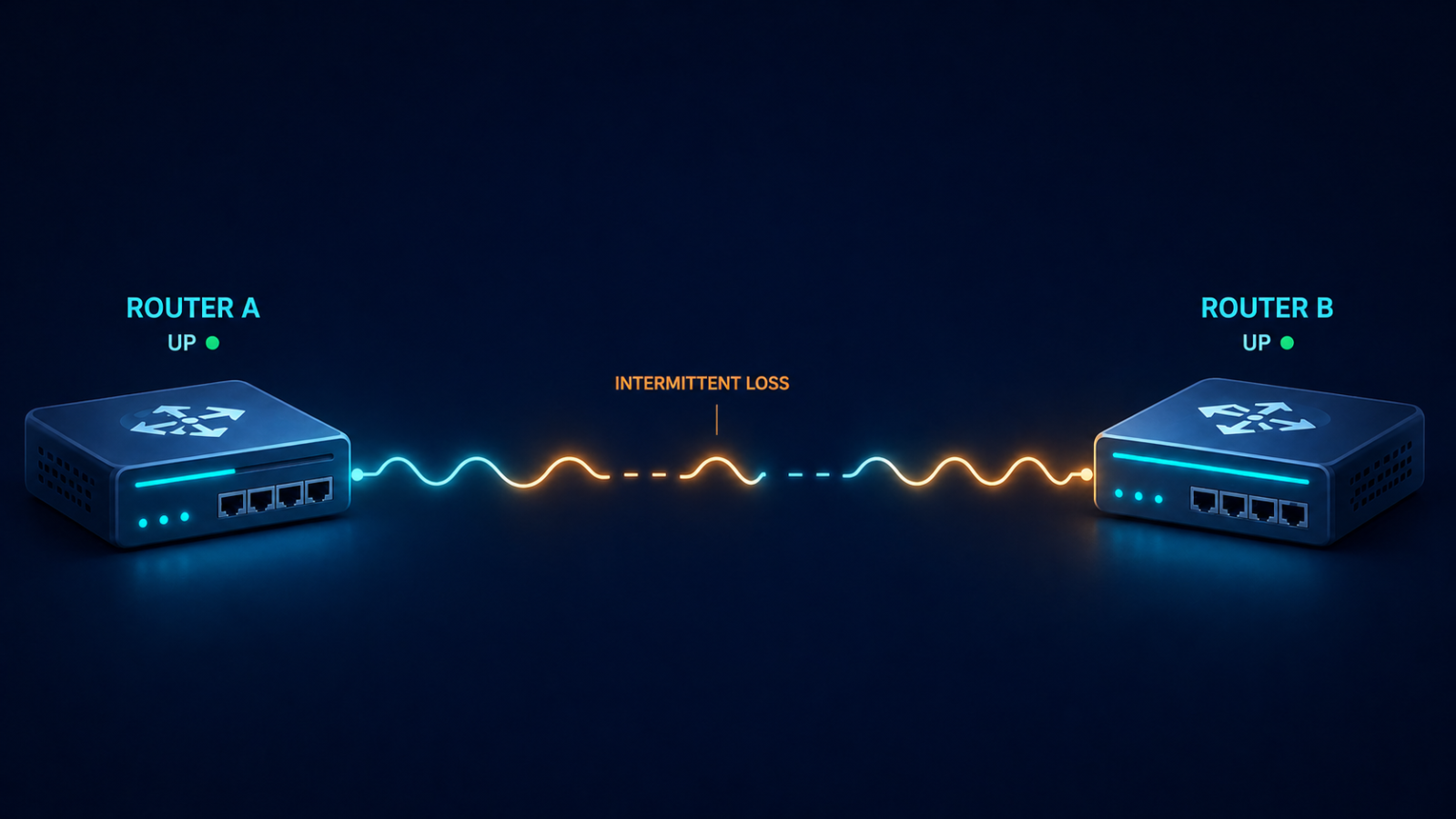
The link is up but periodically dropping packets. Two consecutive lost hellos and EIGRP declares the neighbor dead. Verify with interface error counters, CRC counts, and input drops on both sides. A link that shows even small CRC counts at sub-1-percent level is enough to flap EIGRP.
Fix the link. Replace the SFP, swap the patch, check for fiber issues, or address the wireless backhaul. Increasing the hold timer to mask the flap is not a fix, it just delays the symptom while the underlying link continues to degrade.
Cause two, MTU mismatch on the link, around 25 percent of cases
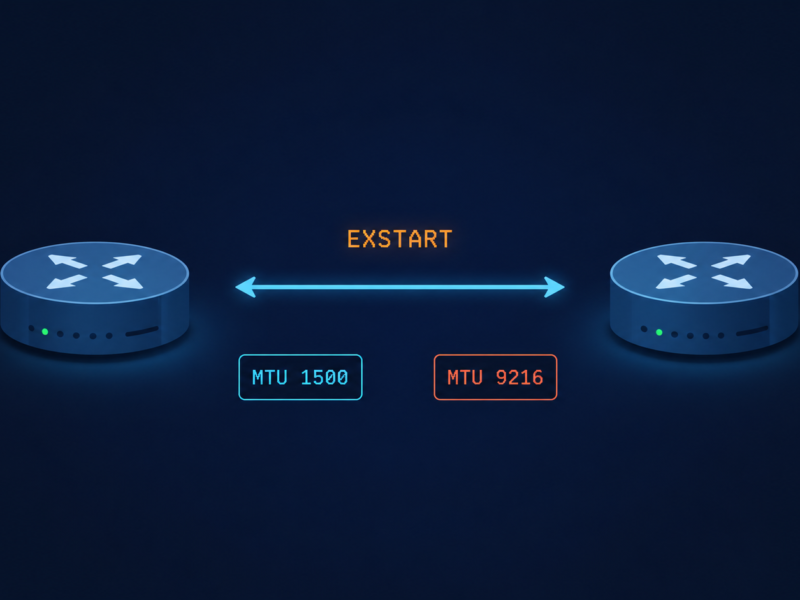
EIGRP hellos are small enough to pass even with MTU mismatch, but EIGRP update packets carrying topology changes can exceed a smaller-than-expected MTU and get dropped. The neighbor periodically loses sync, the adjacency resets, and you see flapping that correlates with route changes elsewhere in the network.
Verify with show interfaces | i MTU on both sides. Match them. EIGRP does not have an mtu-ignore equivalent the way OSPF does, so the actual MTU has to be aligned.
Cause three, k-values mismatch, around 15 percent of cases
EIGRP uses k-values to weight its composite metric. The default is k1=1, k3=1, others=0, which uses bandwidth and delay only. If someone has tuned k-values on one router but not its neighbor, the adjacency will form initially but become unstable when topology changes propagate. Less common than the first two but easy to miss.
Verify with show ip protocols on both sides. The K values line should match exactly. If it does not, fix the side that drifted.
Cause four, authentication drift, around 15 percent of cases
If MD5 authentication keys have rotated on one side but not the other, hellos still pass briefly during the rollover window and then start failing. The adjacency forms then drops within minutes.
Verify with show ip eigrp interface detail and check the authentication mode and key chain. Both sides need to use the same active key during the same time window. Key rotation should always overlap, never hand off cleanly.
Cause five, platform-specific bug or stuck-in-active behavior, around 10 percent of cases
Specific Cisco IOS-XE releases have had bugs around EIGRP neighbor maintenance, especially on platforms with high control plane load. Stuck-in-active conditions can also escalate to flapping if the network is poorly summarized and queries propagate too far.
Suspect this only after causes one through four are eliminated. Check release notes for EIGRP-related bug fixes on the platform code in use.
What the official documentation does not mention
EIGRP flapping on a stable physical link sometimes correlates with high CPU on the router, not link issues. If hello processing falls behind because of a control plane spike (a large policy change, a flapping interface elsewhere, an aggressive netflow export), hellos are not transmitted on schedule and the neighbor times out. Check CPU history (show processes cpu sorted history) when EIGRP flaps with no obvious link cause.
Also, summary routes can mask flap behavior in a way that makes diagnosis harder. If your hub router is summarizing branch prefixes, a flap of a single branch only shows up at the hub, not on adjacent routers, which means a flap that propagates as a route withdraw can look like it originated at the hub when it actually came from a remote site.
The architectural fix
Networks that see EIGRP flap more than rarely have one of three gaps. They are not summarizing aggressively enough, so query scope is too wide and SIA cascades amplify. They have inconsistent k-values across the network, usually because someone tuned one segment without documentation. Or they monitor on EIGRP neighbor state alone and never see the underlying link errors that drive most flaps. Address all three. Standardize k-values, summarize at the boundary of every routing domain, and add interface error monitoring with a threshold low enough to alert before EIGRP starts flapping.
FAQ
Should I increase the hold timer to stop the flap?
No. Increasing hold timer hides the symptom and delays detection of real outages. Fix the underlying cause instead.
Does GR (Graceful Restart) help?
Only if the flap is caused by a planned event like a software upgrade. GR does nothing for actual link instability or configuration drift.
Is migrating from EIGRP to OSPF a fix?
Not a fix for the underlying cause, no. Both protocols flap when the link is bad. Migration is a longer term decision based on whether you need vendor neutrality, not flap mitigation.
Related posts
Need a routing audit
If EIGRP is flapping in your network often enough that you have noticed, the underlying issue is usually three or four small things, not one big one. Our routing practice does targeted EIGRP and OSPF audits for enterprises that are tired of unexplained route flaps. Send us a sample of your flap log and we will tell you what to look at first.
Last verified April 2026 by the aaanetworkx routing practice.