The first time I saw a BGP notification with the cease code, I assumed the peer router had crashed. It had not. A junior engineer on the other side had typed clear ip bgp neighbor and walked off to lunch. That experience, repeated in slightly different forms across hundreds of customer networks since, taught me that the word “cease” in BGP is doing a lot of heavy lifting and almost always points to a human or automated decision rather than a hardware fault.
If you are staring at a log line that looks something like %BGP-3-NOTIFICATION: sent to neighbor x.x.x.x 6/4 (Administrative Reset), this post walks through what each subcode means, what most likely caused it in your environment, and how to make sure it does not happen at three in the morning to the one peer that actually matters.
What the cease notification actually means
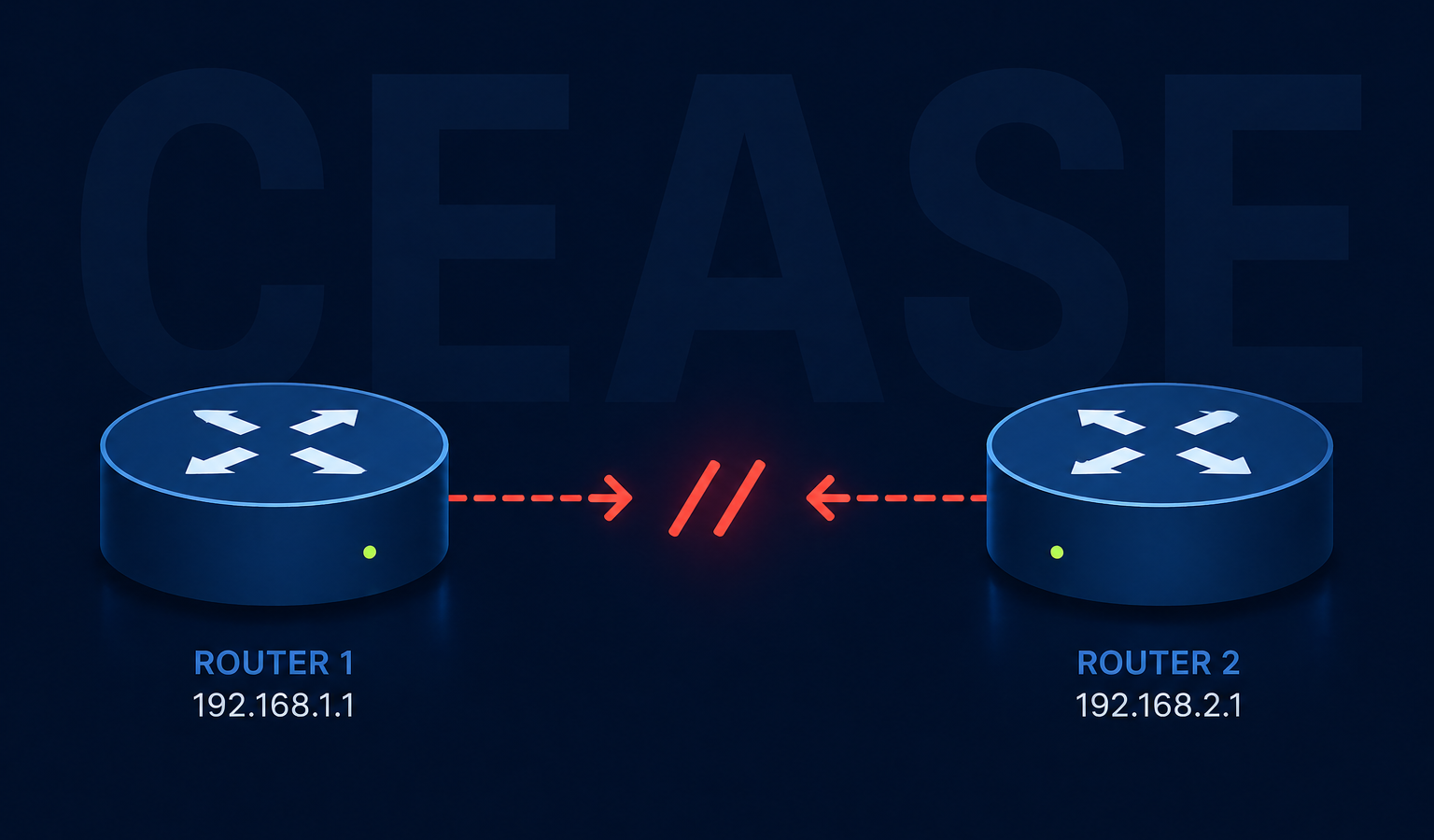
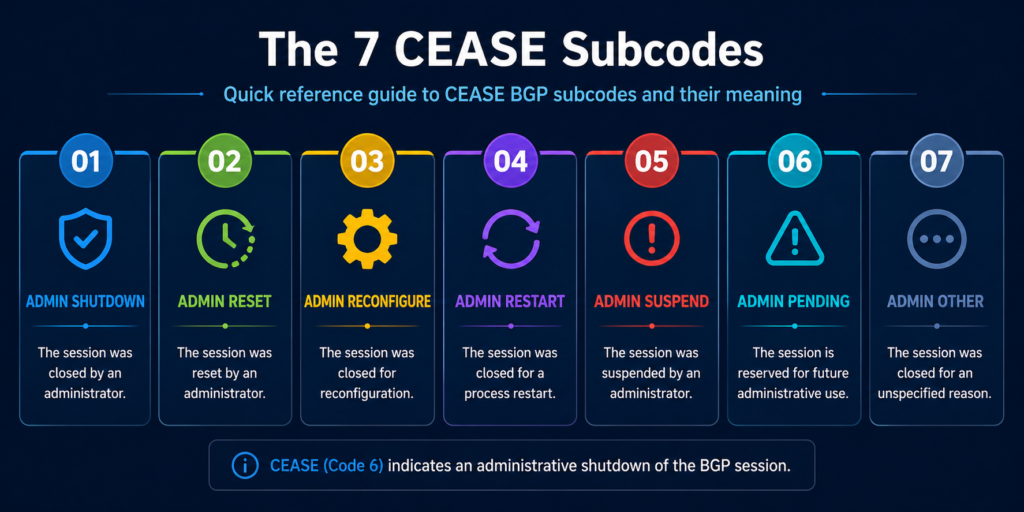
In the BGP protocol, error code 6 is reserved for cease, which the RFC defines as a notification sent when a peer wants to terminate the session for any reason that is not a protocol error. It is not the router saying “you broke BGP.” It is the router saying “I have decided to stop talking to you, here is the polite reason why.”
The reason is encoded in the subcode, a number from one to nine. The subcode is the entire story. Without it, troubleshooting is guesswork. With it, you usually have your answer in under a minute.
You will see the notification in three places. The router that sent it logs an outbound notification. The router that received it logs an inbound notification with the same subcode. And your network monitoring system, if it is decoding BGP traps, raises an alert with the human readable name of the subcode.
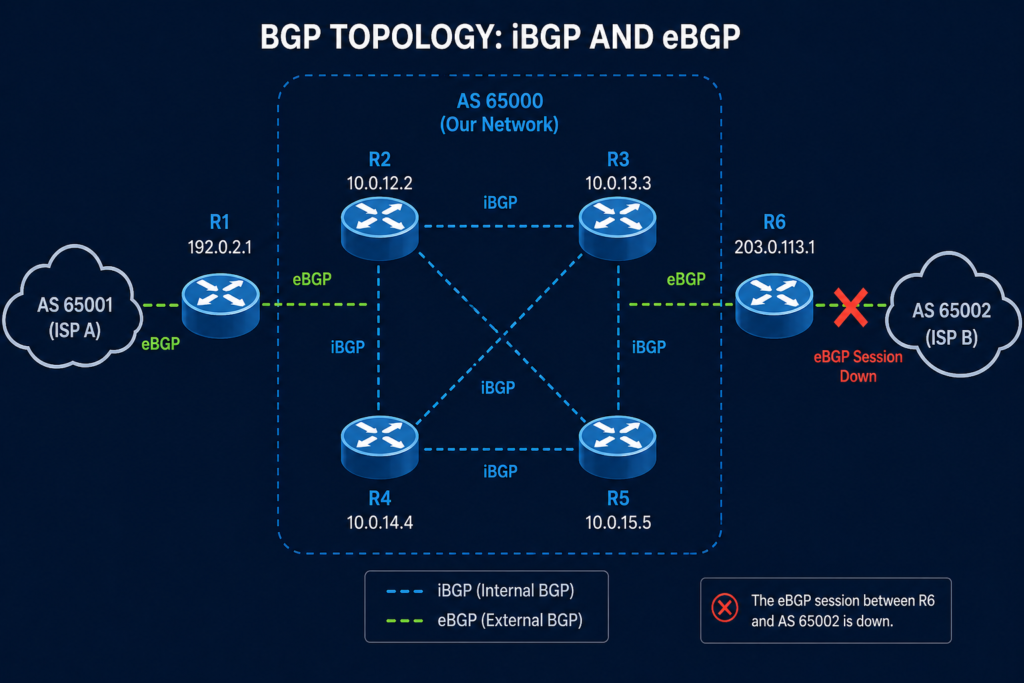
Verified against RFC 4486 (Subcodes for BGP Cease Notification Message), accessed April 2026.
The seven subcodes and what they really mean in production
Subcode 1, maximum number of prefixes reached
The receiving peer hit the configured prefix limit and tore the session down to protect itself. This one is almost always a configuration mismatch, where one side increased their prefix advertisements without telling the other side to raise the limit. Check the maximum-prefix configuration on the receiving peer, agree on a new ceiling, and reset.
Subcode 2, administrative shutdown
Someone typed shutdown under the neighbor configuration. That someone is either you, your colleague, or a change automation script. Check your change management log first. If nothing was scheduled, check who has SSH access to the device and pull the access log.
Subcode 3, peer deconfigured
The peer is no longer in the configuration at all. This typically appears during cutover work where a peering arrangement is being moved to a new device. If you did not plan a cutover, find out who did.
Subcode 4, administrative reset
Someone issued a clear ip bgp neighbor command. This is the lunch break scenario from the opening of this post. Harmless if intentional, alarming if not. Same audit trail as subcode 2.
Subcode 5, connection rejected
The peer received a TCP connection attempt and refused it, usually because the source IP did not match the configured neighbor address. Common after a router reload that brought up a different interface first. Check the update-source configuration.
Subcode 6, other configuration change
A configuration change was applied that required a reset to take effect. Examples include changing the AS number, updating an inbound route map, or modifying authentication. Look for a recent configuration commit on the peer.
Subcode 7, connection collision resolution
Both peers tried to open a session at the same time and the protocol picked one to keep. This is normally invisible and self healing. If you see it repeatedly, you have a routing flap somewhere causing both ends to retry simultaneously.
Subcode 8, out of resources
The peer ran out of memory, CPU, or another internal resource and tore down the session to protect itself. This is the only cease subcode that points to a real platform problem rather than a configuration or human action.
Subcode 9, hard reset
Used in the context of graceful restart, this indicates the peer is unwilling or unable to preserve forwarding state. Investigate the graceful restart configuration on both sides.
What the vendor documentation does not tell you
Cisco, Juniper, Arista, and Nokia all decode the subcode slightly differently in their log strings, and a few of them collapse subcodes 2 and 4 into the same human readable label, which makes log parsing fragile. Do not match on the human readable name. Match on the numeric subcode. We have seen monitoring systems miss a subcode 8 (out of resources) because the log string read “Administrative Reset” on one platform and “Cease, code 6 subcode 8” on another.
Also, the cease notification is sent at the moment of teardown. If your peer device crashes outright, you will not receive a notification at all, you will receive a hold timer expiration. So the absence of a cease notification when a session goes down is itself a clue, it points you toward a hardware or path failure rather than a deliberate teardown.
The architectural fix
If you are seeing cease notifications more than once a quarter on the same peering, the issue is not the protocol. It is your change management discipline on either your side or the peer’s side. Three controls eliminate almost all of these in production. First, prefix limits configured symmetrically on both sides, with a warning threshold set well below the hard limit so you get an alert before a teardown. Second, an automated daily diff of your BGP configuration that emails the network team when anything under the neighbor stanza changes. Third, a peering contact list updated quarterly so when you do receive an unexpected reset, you can reach the right human at the other end in minutes rather than hours.
When to escalate
Engage your platform vendor TAC for any subcode 8 event, since that points to a software or hardware resource problem you cannot fix from the configuration. Engage the peer operator for any subcode 1 or 6 event you did not initiate, since the change happened on their side. For subcodes 2, 3, or 4 that you did not initiate, the conversation is internal, not external.
FAQ
Is a cease notification an error?
Technically no. It is the protocol’s polite way of saying the session is going down. Whether it represents a problem depends entirely on the subcode and whether the teardown was expected.
Will the session come back automatically?
It depends on the subcode and your configuration. Subcodes 2 and 3 require manual intervention on the originating side. Subcodes 1, 4, 6, 7, and 9 will retry on the standard BGP timer. Subcode 8 will retry but is likely to fail again until the resource issue is resolved.
Does cease appear during normal BGP operation?
It can, particularly subcode 7 during convergence events. Occasional subcode 7 with no service impact is normal. Anything else warrants investigation.
When the resets keep coming
If your routing team is chasing cease notifications more than they would like, the underlying problem is usually that nobody owns the peering relationships end to end. Our routing practice manages BGP peerings for service providers and large enterprises and treats every cease subcode as a signal worth a phone call. Tell us about your peering setup and we will show you what we would monitor.
Last verified April 2026 by the aaanetworkx routing practice.