If you opened the Synchronization Service Manager this morning and saw a long list of red entries with the code 8344 next to your Active Directory connector, you are in the right place. We see this one almost every week across customer environments, and the official Microsoft article only tells half the story.
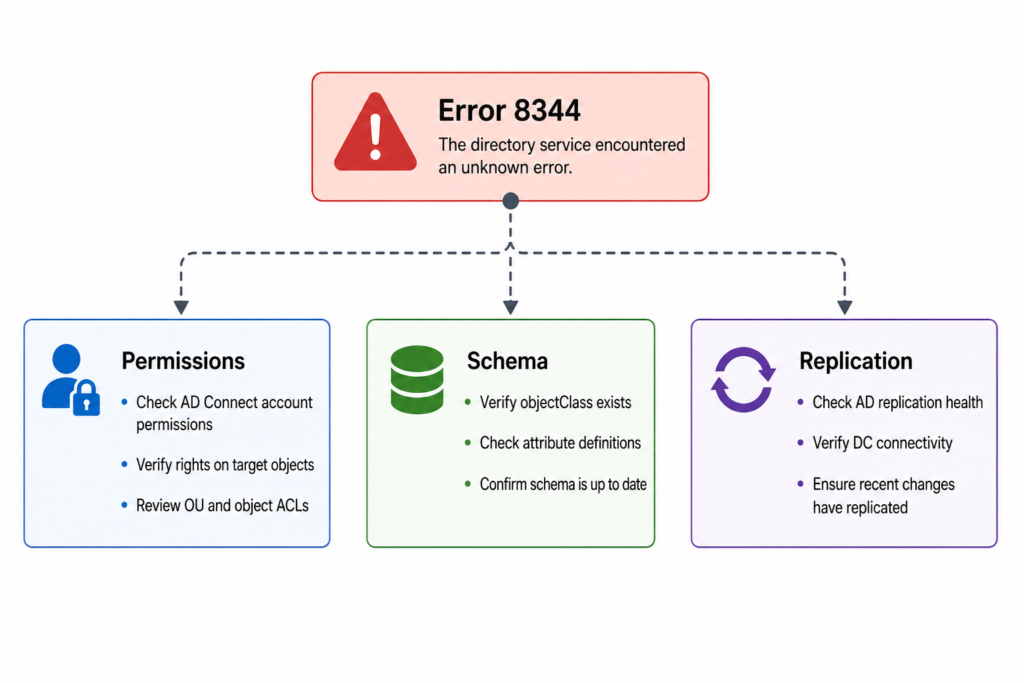
Here is the short version before you scroll. Sync error 8344 in Azure AD Connect (now branded Microsoft Entra Connect Sync) means the service account used to read or write into your on premises Active Directory does not have the rights it needs for that specific object. Most of the time it is a permission that got removed by a tightening of OU level ACLs, not a bug in the connector itself. The fix is to restore the inheritance or the explicit right on the affected OU, then trigger a delta sync.
That said, our NOC sees four very different root causes hiding under the same error number, and one of them only started appearing after the Entra Connect rebrand last year. So please do not stop at “grant write permissions and move on.” Read through the verified causes below.
What this error actually means
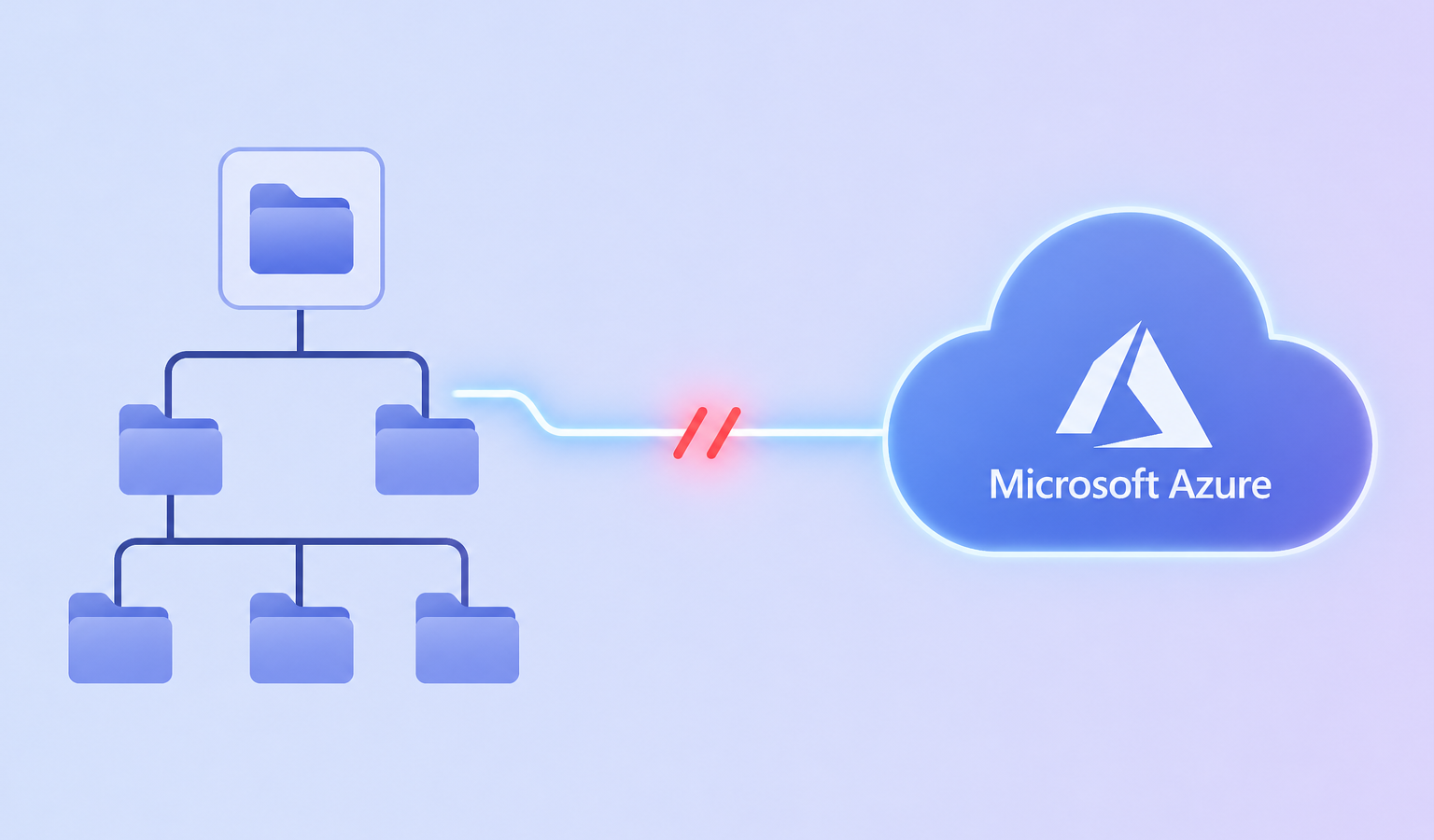
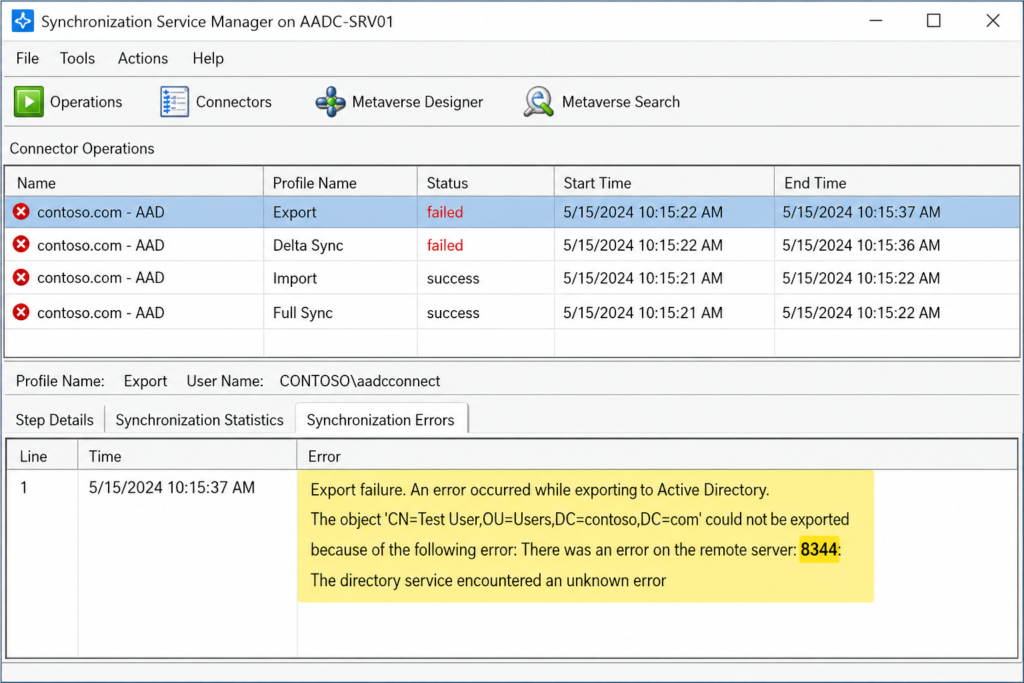
Error 8344 surfaces when the AD DS connector account inside Azure AD Connect attempts an operation against a directory object and the operation is rejected with the LDAP code insufficientAccessRights. The connector logs it as a synchronization failure on the specific object, not as a connector wide failure, which is why the rest of your sync still appears to work.
You will see it in three places. The Synchronization Service Manager shows the run profile result with a count of 8344 errors. The Windows Application event log on your sync server records event ID 6803 with the same description. And inside the Microsoft Entra admin center under Health and Sync errors, you will see the affected user or group flagged with a permission related warning.
Verified against Microsoft Learn documentation for Microsoft Entra Connect Sync, accessed April 2026.
The four causes we actually see, ranked by frequency
Cause one, removed inheritance on a target OU, roughly 55 percent of cases
Someone in the AD team tightened security on a sensitive OU (often Finance or Executives) and disabled inheritance without re adding the AD DS connector account to the explicit ACL. Confirm by opening Active Directory Users and Computers, enabling Advanced Features, and checking the Security tab on the OU. The MSOL_xxxxxxxxx account or the custom service account configured during installation should appear with at least Read all properties. If it does not, that is your culprit. Re add it, then run a delta import followed by a delta sync.
Cause two, password write back failing on protected groups, about 20 percent of cases
When self service password reset writes a new password back to AD, the connector needs Reset Password and Write lockoutTime rights. AdminSDHolder strips these from members of protected groups every hour. The fix is not to grant the permission directly on the user. The fix is to grant it on the AdminSDHolder container itself so the SDProp process preserves it.
Cause three, hybrid Exchange attribute writeback rejected, about 15 percent of cases
If you run Exchange hybrid, the connector writes attributes like proxyAddresses back into AD. A hardened schema or a third party identity governance tool can block this. Check the event log for the specific attribute that failed. The fix lives in the Exchange hybrid configuration, not in Azure AD Connect.
Cause four, the new Cloud Sync agent installed alongside legacy Connect, about 10 percent of cases and rising
This one is recent. After the rebrand to Entra Connect Sync in 2025, several customers ended up with both the classic agent and the new lightweight Cloud Sync agent active for overlapping OUs. The two race for write access and one of them loses with an 8344. If you see the error appear suddenly without any AD changes, this is almost always the cause. Disable one of the two for the affected scope.
What the official documentation does not mention
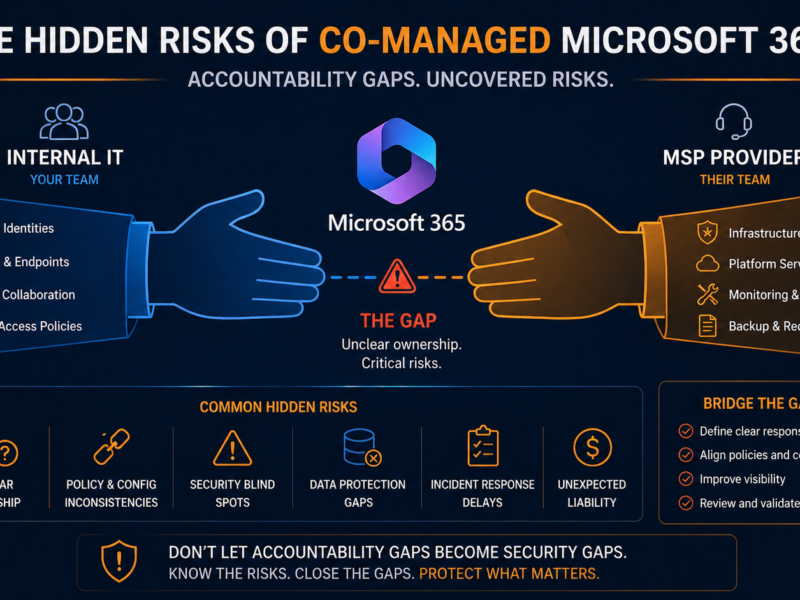
The Microsoft article tells you to check permissions. It does not tell you that the Enterprise Admins group is not always sufficient on child domains in a multi domain forest, because the connector account may need explicit delegation on each domain separately. It also does not warn you that running the Azure AD Connect wizard to “repair permissions” can overwrite custom delegation you set deliberately. Run that wizard with caution.
The architectural fix
If 8344 keeps reappearing, the underlying issue is not permissions. It is that your AD permission model and your sync service are owned by two different teams who do not talk to each other. The teams that never see this error twice are the ones who add the AD DS connector account to a documented baseline ACL applied to every OU through a Group Policy or DSACLS script. Pair that with a weekly automated check that runs the Azure AD Connect health diagnostic and emails the result.
Curious what a permission baseline would look like in your forest, we publish the exact script we deploy on managed identity engagements. Drop us a note and we will send it over.
When to escalate
Open a ticket with Microsoft if the same object fails 8344 after you have verified permissions on every OU in the object’s path, the AdminSDHolder container, and the schema. Bring the directory replication health report and the latest run profile XML when you do.
FAQ
Is sync error 8344 service affecting?
Only for the specific user or group named in the error. The rest of your tenant continues to sync normally, which is why this error often goes unnoticed for weeks until a help desk ticket arrives.
Will it clear on its own?
No. The connector retries the same object on every sync cycle and fails the same way until a human intervenes.
Has the fix changed in the new Entra Connect Sync release?
The underlying fix is identical. The diagnostic location moved from the legacy portal to the Entra admin center, and the run history view now groups errors by object rather than by run.
Need eyes on it now
If you have hit 8344 more than once this quarter, the issue is not the error, it is the absence of a feedback loop catching permission drift before it cascades. Our managed identity team monitors hybrid AD environments around the clock and resolves these before they reach your help desk. Book a fifteen minute walkthrough of how we would set this up in your environment.
Last verified April 2026 by the aaanetworkx identity practice.